The most common WiFi complaint we hear is some variation of “we keep adding access points and it’s still bad”. And it’s almost always the same root cause: each AP was installed in isolation, not as part of a designed network.
Adding hardware doesn’t fix a coverage problem. Planning does.
The myth of “just add more APs”
A WiFi network isn’t a heat map of signal — it’s a negotiation. Devices roam between access points, choose channels, and back off when neighbours are loud. Drop more APs into a space without planning and they start competing with each other. You end up with:
- Co-channel interference — multiple APs broadcasting on the same channel, talking over each other.
- Sticky clients — laptops clinging to a distant AP because the closer one is buried in noise.
- Hidden node problems — devices that can hear the AP but not each other, retransmitting endlessly.
Performance gets worse the more APs you add, not better, until someone with a survey tool sorts it out.
Survey first, install second
Every deployment we run starts with a survey. Two flavours:
- Predictive survey — we put the floor plan into design software, drop simulated APs, model the materials (brick, plasterboard, glass) and produce a coverage map before any kit is bought. Cheap, fast, useful for new fit-outs.
- Onsite survey — we walk the site with a spectrum analyser and active scanner, measure real signal, find the noise from microwave ovens, neighbouring shops and that one fluorescent tube nobody mentioned. Essential for retrofits.
For most sites we do both. The predictive survey decides AP count and approximate placement; the onsite survey confirms it before any cables go in.
Spectrum planning: which band wins where
The bands you have available change what’s worth doing:
- 2.4 GHz is now mostly noise. We deploy it for legacy devices that need it, but it carries no serious load. Three non-overlapping channels and decades of consumer junk on it.
- 5 GHz is the workhorse. 19 channels in the UK with proper DFS handling. Most current devices prefer it.
- 6 GHz (WiFi 6E and 7) is the breathing room. Almost no legacy traffic, wider channels available. Worth deploying now in any premises that’ll keep its kit for 5+ years.
The right band split depends on what’s connecting. A school with hundreds of Chromebooks needs 5 GHz capacity. A boutique office with new laptops can lean on 6 GHz.
Roaming and 802.11k/v/r
For sites where people move — schools, offices over multiple buildings, warehouses — roaming matters more than raw throughput. Three standards do the heavy lifting:
- 802.11k — APs publish a list of neighbours so devices know what to roam to.
- 802.11v — APs can suggest “you’d be better off on AP 4, please”.
- 802.11r — fast transition; reauthentication is pre-cached so the handover is sub-50ms instead of seconds.
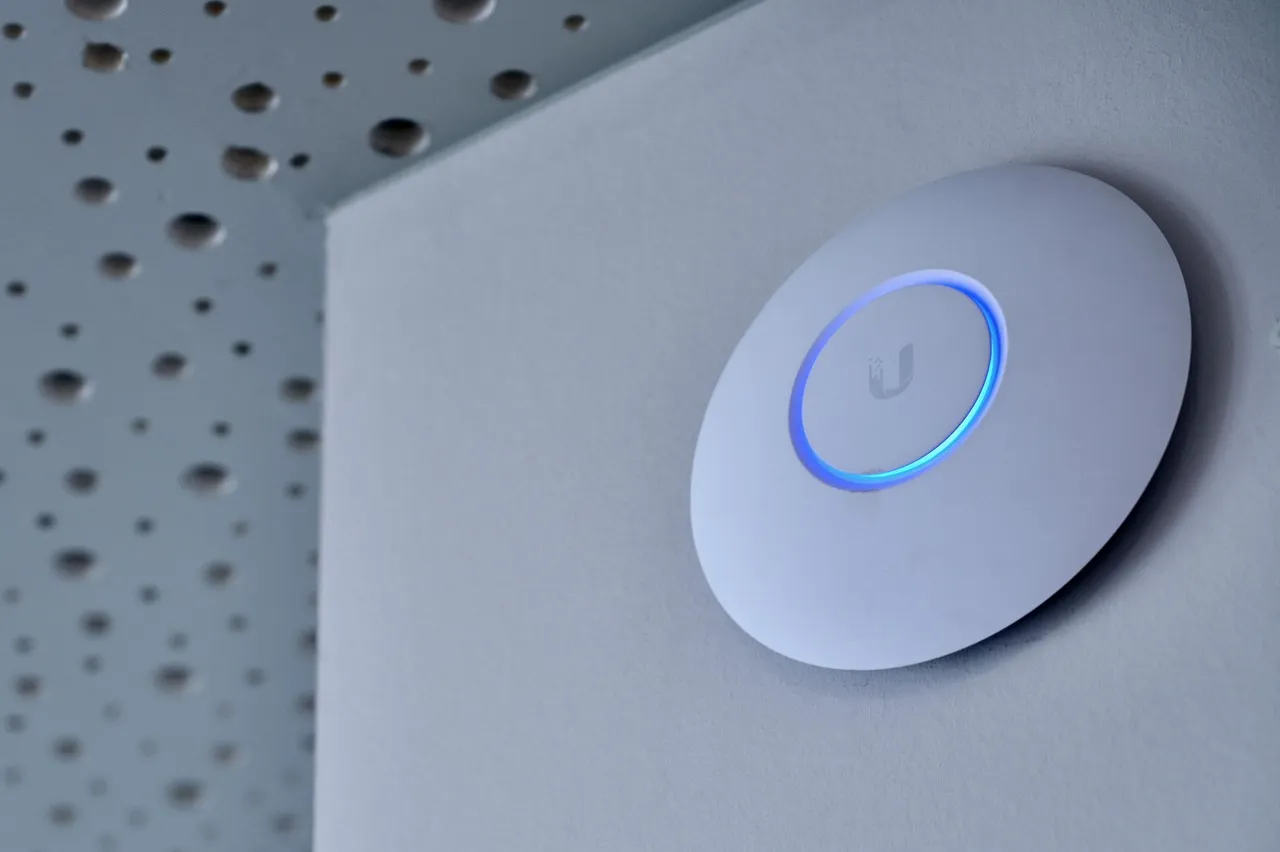
A UniFi network with these enabled and properly configured roams in a way most users never consciously notice. A network without them — and most consumer-grade deployments don’t — drops calls every time someone walks between rooms.
The cabling implications
WAPs need backhaul. Specifically:
- PoE+ at minimum (some WiFi 6E APs want PoE++).
- Cat6A if you want headroom for multi-gig backhaul. Cat6 caps at 5Gb practically.
- A switch port per AP — don’t daisy-chain through an AP’s secondary port unless you have to. They throttle.
- VLAN segregation — staff, guest, BYOD, IoT, and corporate management as separate VLANs from day one. Retrofitting it is painful.
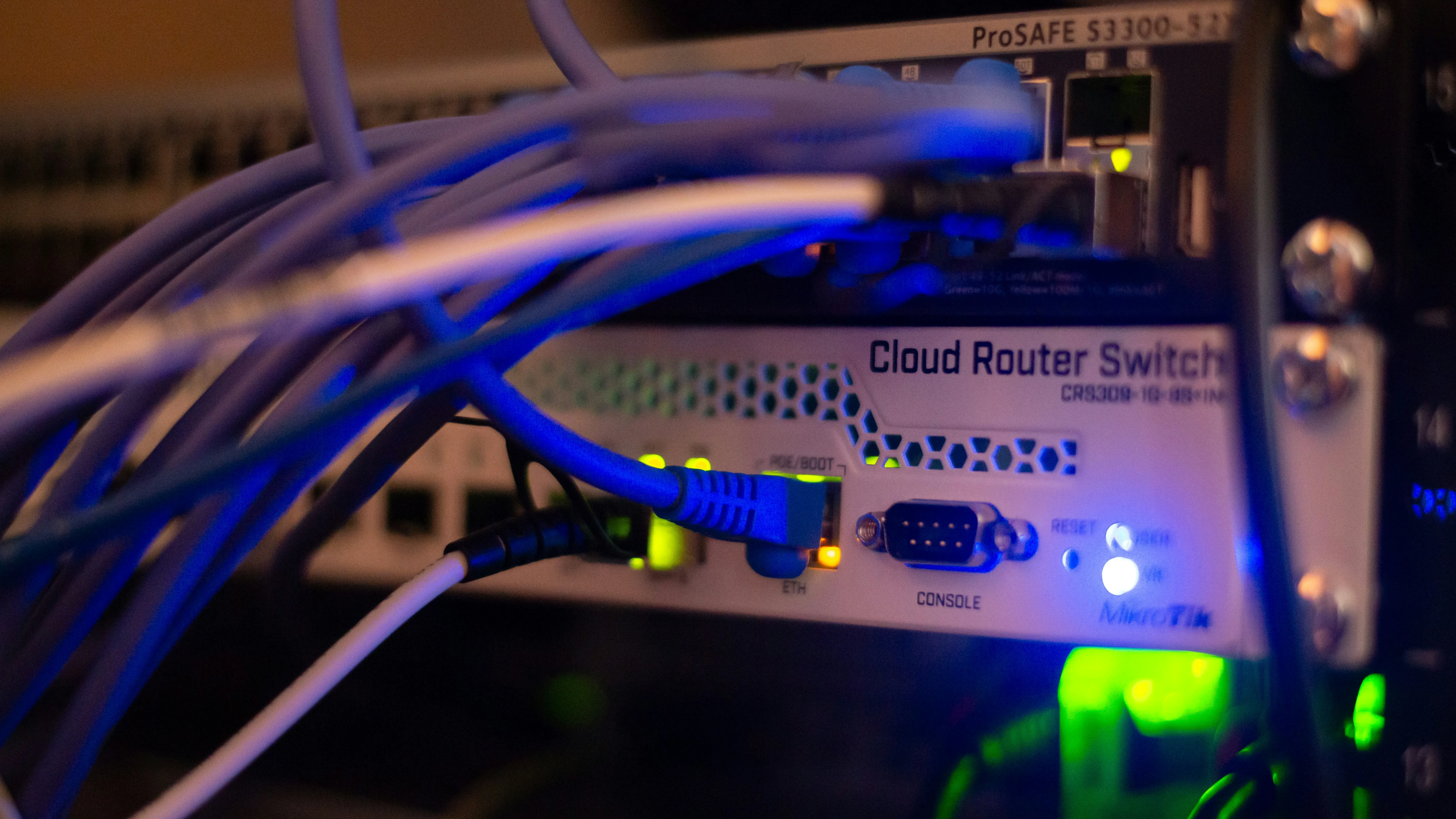
This is why a wireless project is almost never just wireless. It’s also a cabling and switch project. We design them together.
A real example
For a seven-building school campus we deployed UniFi on a fibre backbone with proper 802.11r/k/v, VLAN segregation for staff and BYOD, and channel planning that respects the neighbouring schools next door. IT support tickets related to the network dropped by over 80% in the first term.
The hardware wasn’t the trick. The plan was.
If your WiFi feels broken
The instinct is always to buy another AP. Resist it.
If you’re already running UniFi and the problem is configuration, a survey-and-tune visit can recover most of it. If the underlying placement is wrong, the only honest fix is to start with a proper site survey and rebuild from the floor plan up.
We do both, and either one starts with a free site visit.