What was there before
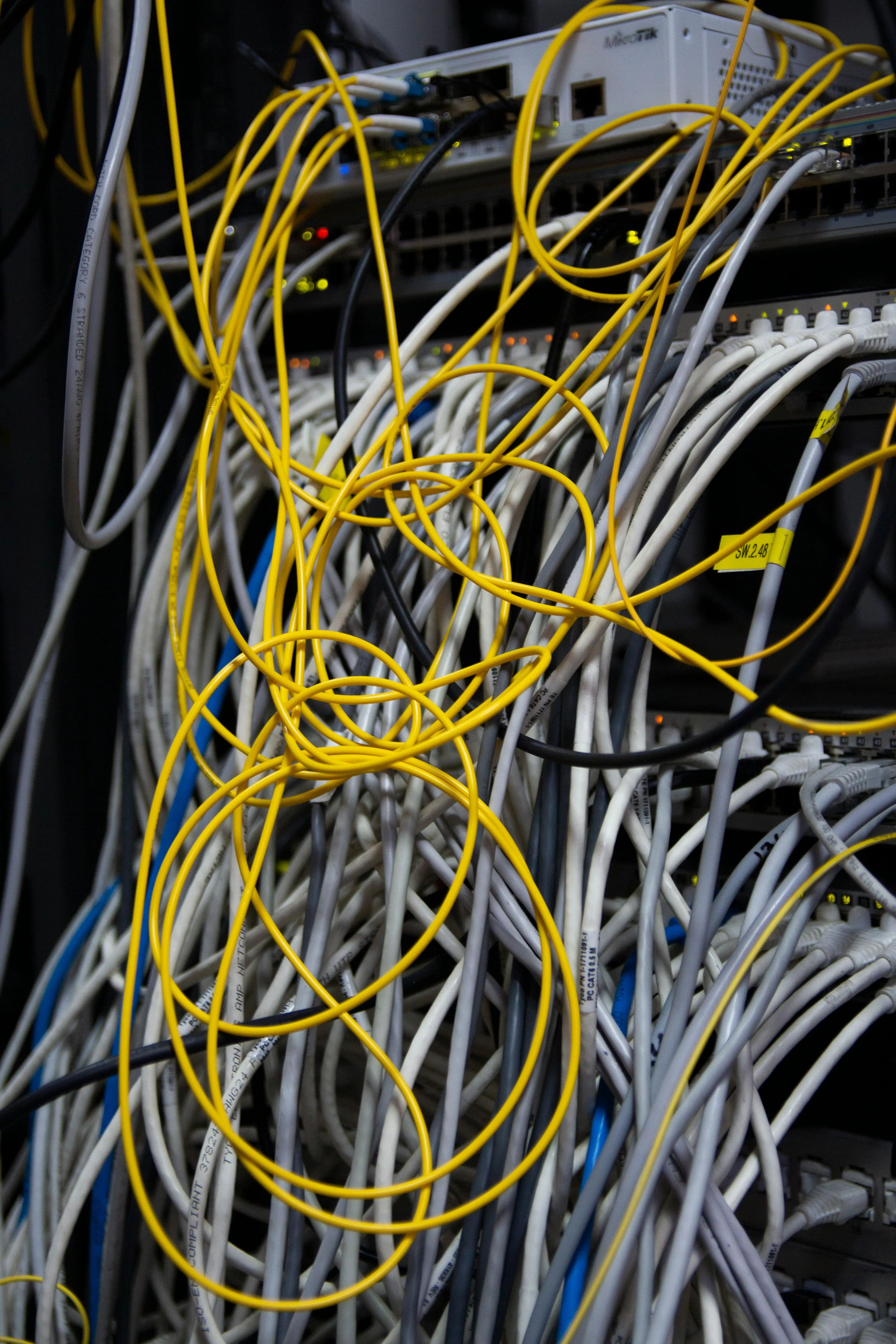
Seven buildings on a single site, joined by a patchwork of WiFi installations that had grown one access point at a time over the better part of a decade. Some were consumer mesh kit. Others were business-grade APs configured as if they were the only AP in the building. None of them spoke to each other. When a Year 10 walked from the maths block to the science block, their device disconnected and reconnected — often badly — every time.
Exam-day bandwidth was the real pressure point. The school had moved to a digital exam system that needed hundreds of devices on a stable 5 GHz network simultaneously, and the existing setup couldn’t sustain it. IT support spent hours every week rebooting APs and rerouting devices, while teachers were given the standard advice: “try turning your laptop’s WiFi off and on again”.
What we did first
A site survey before any kit was specified. We walked every building with a spectrum analyser, measured signal in every classroom, identified the noise (microwave ovens in the staff kitchen, a fluorescent ballast in the gym, two neighbouring schools’ WiFi bleeding into the boundary). We then produced a predictive coverage map based on the real measurements and the materials in each building’s walls.
The survey was useful in a way the school hadn’t expected: it told us where the existing APs were oversaturating, where new ones were needed, and where coverage was actually fine and didn’t need touching at all. Half the original quote we’d put together based on the staff’s brief was unnecessary once the survey had run.
The build
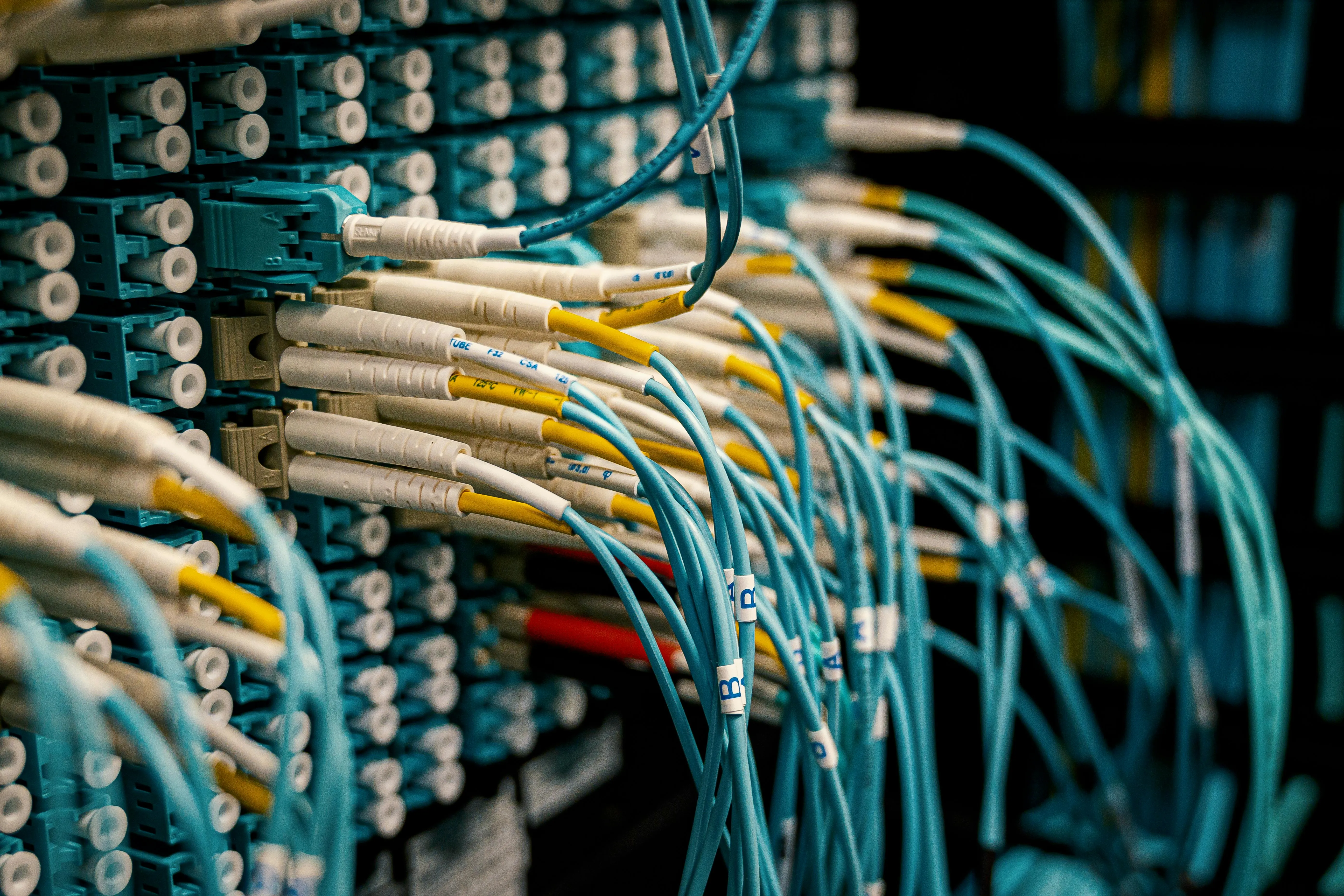
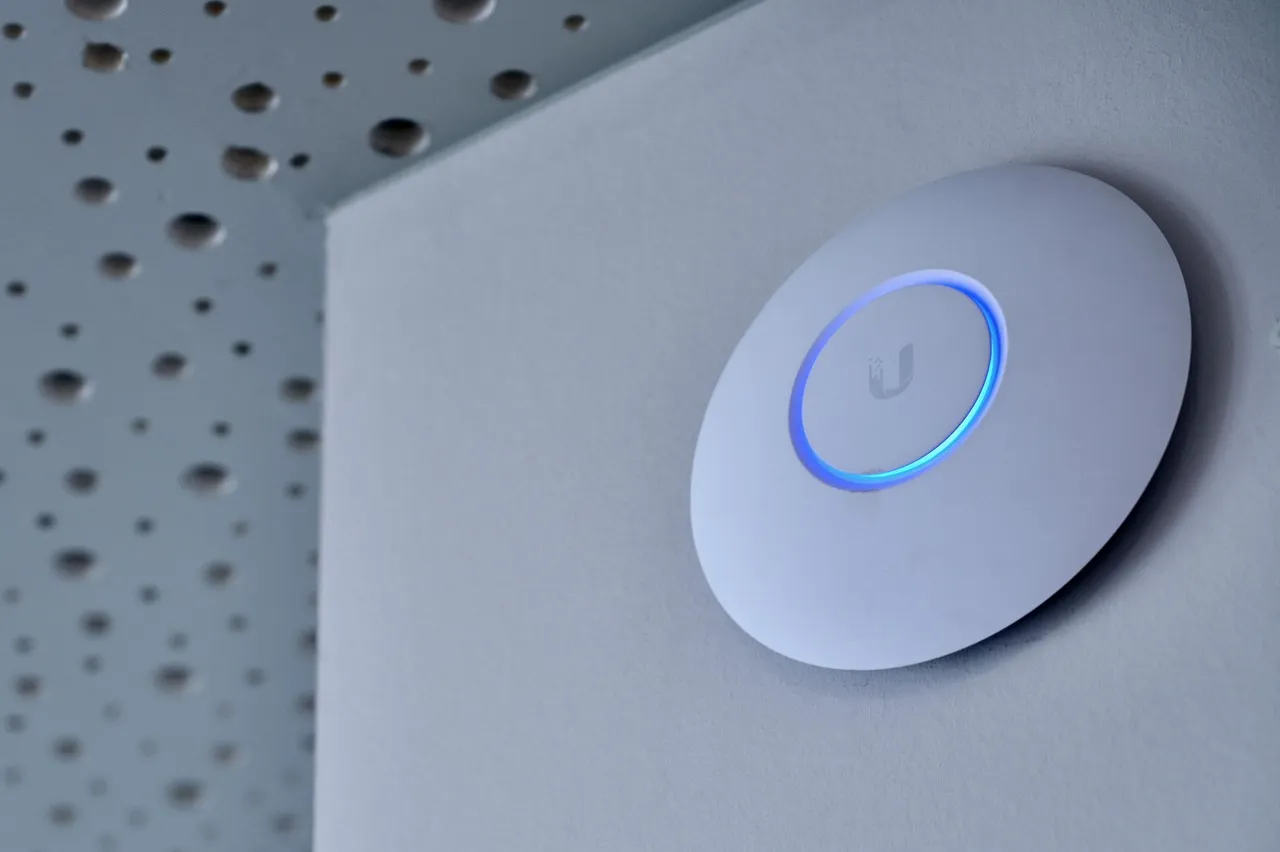
A new OS2 single-mode fibre backbone between buildings replaced an underpowered 1G copper run that was making every cross-building roam slow. Each building got its own UniFi switch and the appropriate number of WiFi 6 access points, channel-planned to avoid co-channel interference between buildings. 802.11r/k/v fast-roaming was enabled across the estate so when a device crosses between APs the handover is sub-50ms — staff and students never notice it.
VLAN segregation went in from day one:
- Staff — full network access, secured to the corporate identity provider
- Student — segmented, filtered, time-restricted on the wider internet
- BYOD — phones and personal devices, isolated from staff resources
- Guest — splash page, throttled, parents on parents’ evening
- Management — APs, switches, cameras, sealed off from everything above
The whole network is managed from a single UniFi controller hosted on a properly-resourced server in the IT office, with backup configuration snapshots running automatically.
Exam-day numbers
The first term after we handed the network over included two digital exam windows. Both ran without a single network-related incident. We monitored the controller in the background during the exams and never saw the network breathe heavily — most of the airtime headroom was unused.
IT support tickets relating to network issues dropped by over 80% across the term. The IT manager’s words to us, paraphrased: “It’s so quiet I keep checking the dashboard to make sure something hasn’t broken.”
What we left behind
- A documented network map with every AP, switch port and VLAN
- A controller backup schedule the school’s IT manager can verify
- A patch schedule on every cabinet
- An onboarding doc explaining how to add a new device to each VLAN
Schools are a brilliant proving ground for network design. Hundreds of devices, constantly moving, with exam windows where performance is non-negotiable.